
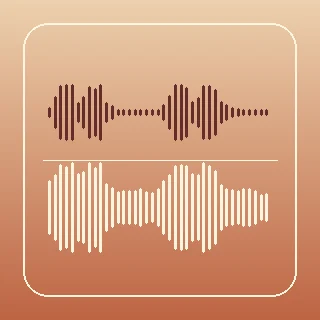
Indie Folk Chorus
Hear the repeated sung phrase grow into an arranged chorus.
Vocal only · 0:16
With backing · 0:16
Add Music to Vocals AI by CoverTune pairs your singing with AI accompaniment and exports an MP3.
Updated
CoverTune helps singers and songwriters turn a clean phone recording into a demo with backing instruments. Upload an MP3 or WAV from 10 seconds to 8 minutes, up to 20 MB, and choose a sound. Sample playback is free, and each arrangement costs 14 credits (about $0.14 at the lowest pack rate) with an MP3 download and no CoverTune watermark.
Upload a voice-only recording from your phone or desktop browser. No app is needed. Choose how you want the backing to sound, then generate and listen to the result before downloading. A short, clean section of singing gives you a quick way to compare different arrangements.
Choose an MP3 or WAV from Files on your phone or from your computer. Use 10 seconds to 8 minutes of singing, up to 20 MB.
Choose a genre card or select Custom and name the instruments and feel you want, such as soft piano and brushed drums.
Sign in, confirm you have permission to use the recording, and start the job. The credit quote appears before you submit.
Play the takes from the results panel. Download the MP3 you like or come back to it in your history.
Each audio pair starts with a vocal on its own, followed by the same passage with instruments. Listen to where the backing enters, how much room it leaves around the voice, and how the rhythm changes the feeling of the phrase. The clips illustrate arrangement ideas.
Hear the repeated sung phrase grow into an arranged chorus.
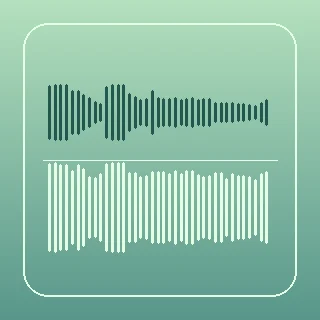
Listen to the layered voices first, then to the backing underneath them.
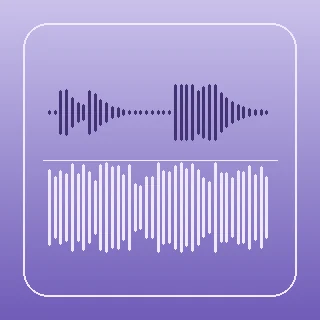
Hear a short cut-up vocal settle into a steady electronic beat.
CoverTune uses your uploaded solo vocal to generate background music with Suno V6. For a quiet vocal, try Acoustic or ask for sparse piano and soft bass in Custom. For a tighter groove, name the beat and instruments you want so the model has a clear direction.
CoverTune charges 14 credits (about $0.14 at the lowest pack rate) to generate and download your MP3. The examples are free to play, and you can choose a file and style before spending anything. The 3 sign-up credits for eligible new accounts are below the cost of one run. The smallest one-time pack costs $4.99.
A $4.99 Starter pack contains 450 credits. Each run uses the same 14 credits for any supported input length, and downloading the finished MP3 has no extra charge. If a job fails, its credits go back to your balance. See the credit packs for other purchase sizes.
| Action | Credits | What you get |
|---|---|---|
| Eligible new accounts | 3 sign-up credits | Below the cost of one generation |
| Example playback | 0 | Three vocal and backing pairs |
| Suno V6 accompaniment | 14 per run | MP3 download. CoverTune adds no watermark. |
The model uses your vocal to guide its arrangement, so timing, phrasing and the sound of the performance can vary in the result. Keep a local copy of the original. For a session where every syllable must stay on the same beat or you need separate vocal and instrumental stems, use a multitrack editor.
If your starting recording already has a full arrangement and you want to rebuild it in another style, try the AI song genre changer.
This tool uses a recorded vocal as the input. If you have a beat and want it sung over, use a tool that takes an instrumental and lyrics as its inputs.
Room noise and changes in tempo can make the vocal harder to follow. Try a shorter section with a steady pulse. If you record again, listen to a click through headphones so the beat stays out of the upload.
CoverTune stores the recording at an unlisted link and sends it to the music provider to generate an arrangement. Anyone with the exact link can open the audio. Generate only with recordings you are comfortable sharing this way.
Use a recording you own or have permission to use. Recording a vocal yourself does not give you rights to another songwriter’s music or lyrics. Check the permissions for both the recording and the song before publishing an arrangement.